FAQ
Does Refresh Owl collect my data?
No. Everything runs in your browser. Pages are only read on sites you explicitly allow, only to check for your alert text, and nothing leaves your device. See the privacy policy.
Why is the shortest interval 30 seconds?
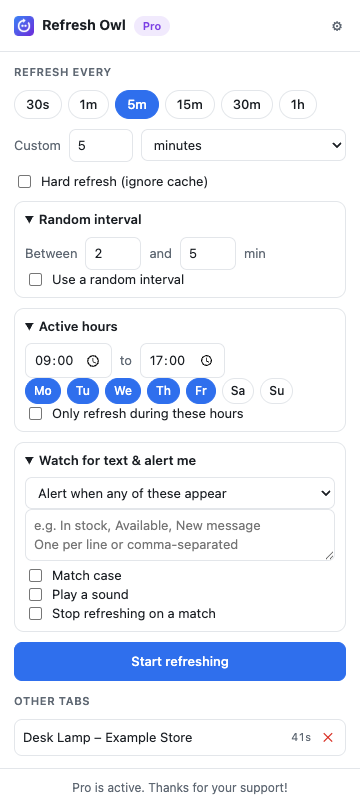
It's the minimum Chrome allows for reliable background timers, and it keeps the load on websites reasonable.
Will it keep working if I close the popup?
Yes. Refreshing and alerts continue in the background while the tab is open. Tabs stop refreshing when you close them or restart the browser.
How do I activate Pro?
After purchase you'll receive a license key by email. Open Refresh Owl's settings (the ⚙ icon), paste the key and click Activate.
Can I move my license to another computer?
Yes. Remove it from the old browser in settings, then activate it on the new one. You can also manage activations in the customer portal.
Can I get a refund?
Yes. If Pro doesn't work for you, email us within 14 days of purchase for a full refund.
Is it OK to use on any website?
Refresh Owl is meant for pages you're allowed to view repeatedly. Some sites, for example ticket sellers, prohibit automated refreshing in their terms. Please respect them.